
HOME HERO
Furnace Troubleshooting
Furnace Not Running?
Start With These Steps
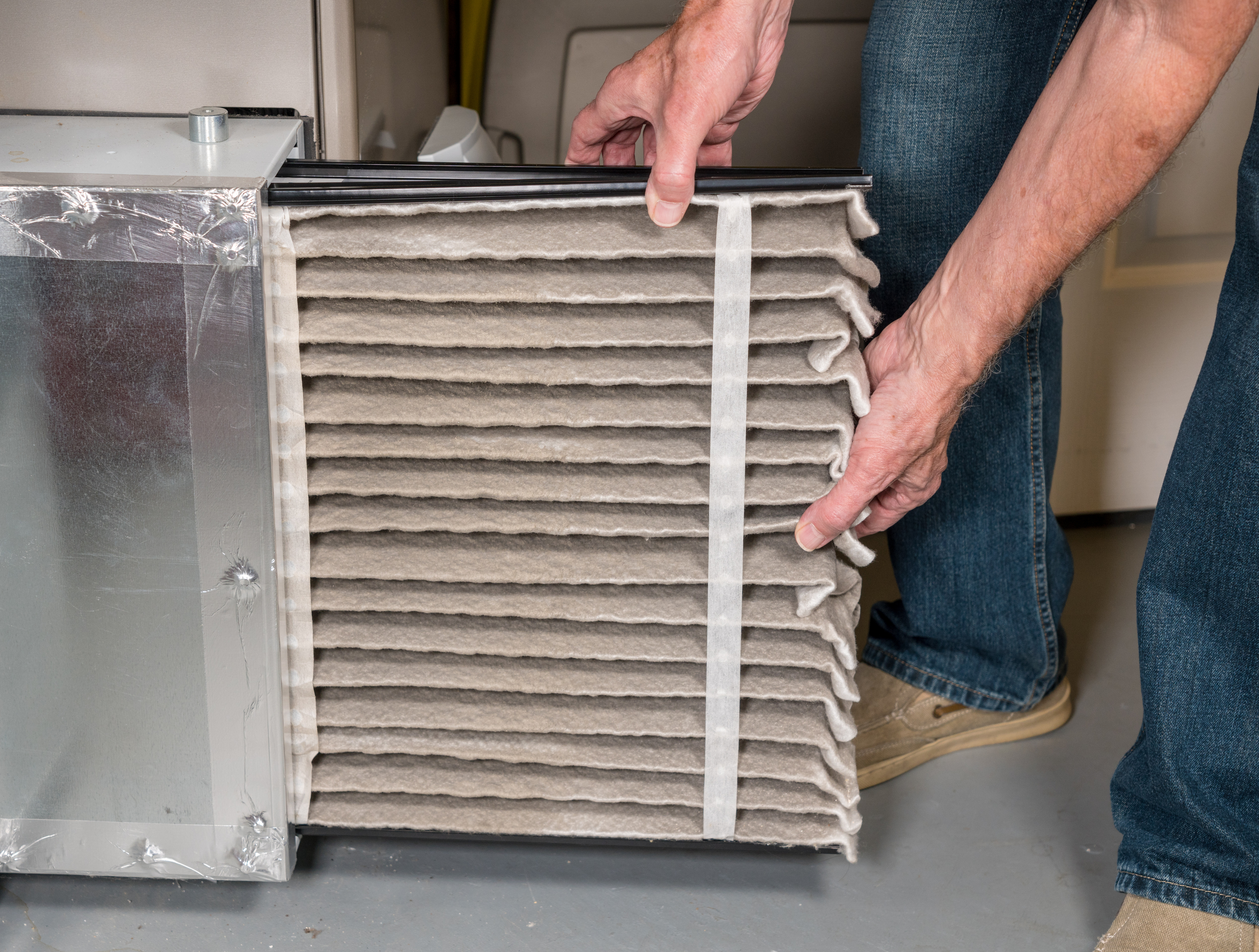
Your thermostat is calling for heat, but your furnace is not running.
Follow the steps below to identify the problem and gather useful information before calling for service.
If your furnace stops unexpectedly, follow these steps in order.
1. Read the error code first
Most furnaces display an error code that explains why the system shut down.
The code may appear as:
- A blinking light pattern, such as fast blinks followed by slow blinks
- A short letter-number code, typically 2–5 characters
Do not reset the furnace before checking the code. The code may disappear once power is cycled.
2. Shut off power before opening the access door
The error code chart is usually printed on the inside of the furnace access door.
Before opening the door:
- Turn off the furnace using the switch mounted on or near the furnace, or
- If no switch is present, turn off the dedicated furnace breaker at the electrical panel
3. Locate and record the error code
- The error description from the chart that matches the code or blinking pattern you observed
- The furnace make and model shown inside the unit
4. Check for a common issue: the flame sensor
One of the most common furnace failures due to a dirty flame sensor.
If the error code indicates a flame sensor issue and you cannot safely wait for an HVAC technician, the video below shows a cleaning method that sometimes restores operation temporarily.
5. Power cycle the furnace
After recording the error information, turn the furnace off using the switch mounted on the side of the unit.
Leave it off for 3–5 minutes, then turn the switch back on.
This is similar to rebooting a computer. It clears temporary faults and allows the furnace to restart its safety checks from the beginning.
If the furnace starts and runs normally, continue to monitor it.
If the furnace shuts down again or displays the same error code, contact an HVAC technician and share the information you recorded.
Safe homeowner guidance:
- It is reasonable to power cycle the furnace once after recording the error information.
- If the furnace shuts down again or shows the same error, stop restarting it and call for service.
- If you smell gas, hear unusual noises, or see soot or scorch marks, turn the furnace off and contact a professional immediately.
Watch this video from Any Hour Services – Electric, Plumbing, Heating & Air to learn how to clean your flame sensor in a pinch
Thank you to Any Hour Services – Electric, Plumbing, Heating & Air for making this excellent video
Talk to us
Have any questions? We are always open to talk about your home and how we can help you.